UX Pilot AI
Review: The Best Figma AI Plugin for UI/UX Design so far
I've tried a lot of different AI tools but most of them don't actually use your real designs you still have to switch tabs fix everything and rebuild parts manually. In short, the problem is that AI tools really just don't fit into people's workflows right now. But with the tool I'm going to show you today that is completely different.
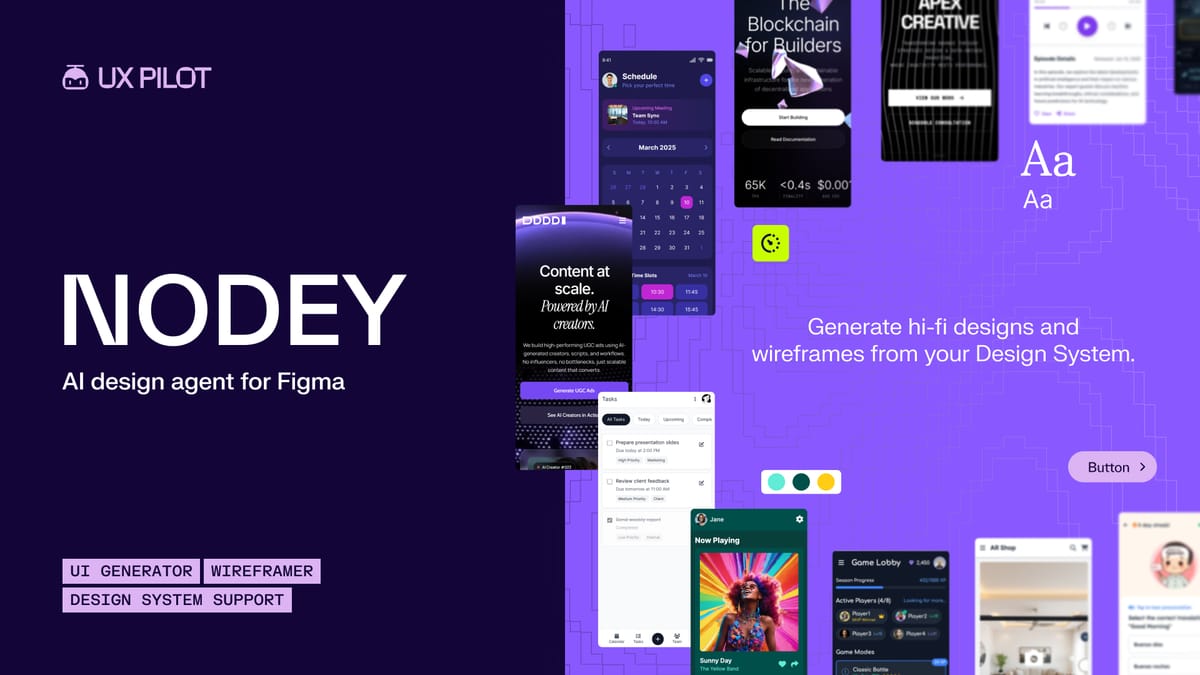
Meet Nodey: The UX Pilot AI Agent
So this is a node and this is UX Pilot AI agent and what's different here is this runs directly inside Figma. Everything happens inside the area that you're working. So we can run the plug-in, log in, and then we just type what we want here and nodi will get it for us.
Step-by-Step App Flow Generation
Let's go ahead and say design a fintech app flow and then we're going to press go. So it's asking us—so within 5 seconds it's basically asking us what we want this to be. So we're onboarding, dashboard, and transfer, login, portfolio and crypto trades, or sign up, card management, and spending insights. Let's go with onboarding, dashboard, and transfer that is the option one that it gave us.So let's just type in onboarding, dashboard, and transfer and then it's going to create a to-do list for us:- Generating onboarding screen- Generate dashboard screen- And then generate a transfer screen
No More Tab Switching
Now it's important to note here guys that there is no tab switching, no exporting or importing like you would normally do because everything is actually built in here to this plug-in which is working inside Figma. So we can see on the left hand side here it's generating everything for us. You can actually drag this window around and watch it work in real time and already this is starting to look fantastic. And because they're not switching between tools this makes it incredibly different and useful compared to other AI tools.And just like that we have our login screen, we have our dashboard screen, and we have our transfer screen here on the right, all with a congruent branded design.
Creating Consistent Pages with Existing Components
Now let's say we want to design more pages here but we want to keep our design consistent. Well we can say design a referral page using our existing design components and hit enter. Now this is just like having your own Figma employee.We can see here it's going ahead and making everything for us and it looks incredible just watching it go ahead and create top tier professional graphics and it looks incredible just going ahead and creating top tier professional UX magic. And here we can see it's created an entire referral page for us.Let's go ahead and zoom in and check this out a little bit better so you can see here:- Invite friends- We can scroll down with people's referral codes- Total earnedThis is fantastic design for UI and UX. So zooming out here, we've already got four pages of our app all ready to go. The AI will also tell us exactly what it's made here in the UI box.
Making Iterations On the Fly
Now let's say we wanted to edit something. We can say change the background of the onboarding screen to match the rest of the app and in no time at all we can see that it's adapted that and changed that onboarding screen. Now obviously we're going to need to change the text here at the front, but here's an example of how we can just work with this AI and it continues to impress.
How It Compares to the Competition
Now if we compare this to competitors such as Claw Design or Google Stitch, it's important to note that with other tools you're going to be going back and forth between tabs and comparing that to this—I mean everything just stays in one place and you're working on the same platform. So instead of jumping between tools and fixing designs, this works where you already are. It saves tons of time, especially if you're already using Figma.
Conclusion
In conclusion here guys, there are other AI platforms out there but this fits directly into your workflow, not the other way around. Remember you can try this for free, the link is in the description. If you use Figma this is definitely worth testing yourself.
You can get: UX Pilot AI here https://www.figma.com/community/plugin/1257688030051249633